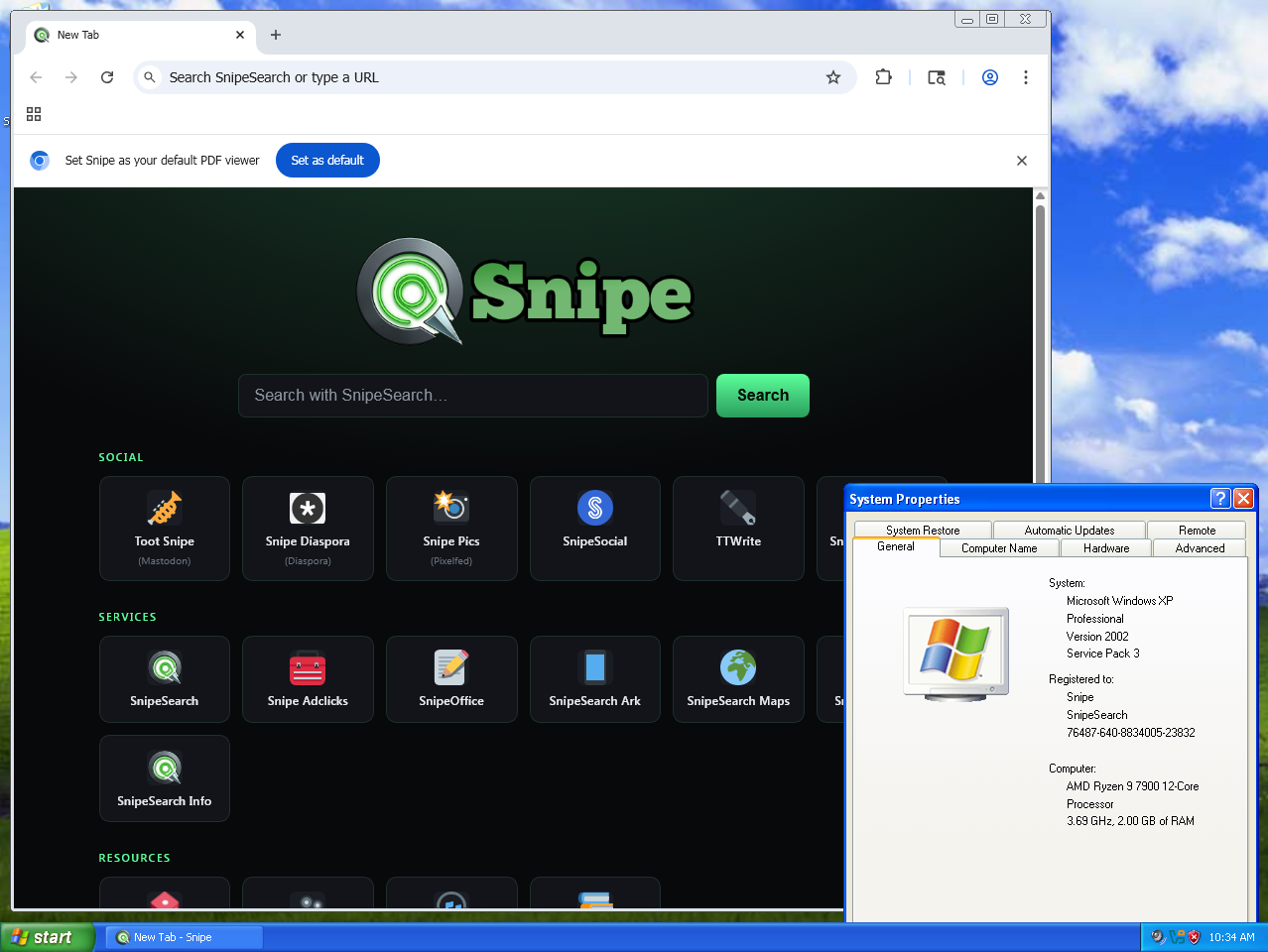
Chromium 140 on Windows XP SP3: a deep NT 5.1 backport with V8 14.0.365.4 running in its ultra-low memory profile. Fully de-Googled, with uBlock Origin and Ruffle in the core, and engineered for historical hardware. One requirement before anything else: install One-Core-API 4.0.7 first.
Unsupported command-line switch: on some hardware, the first launch may show an OS warning about an unsupported command-line switch. Just close the dialog; it is harmless, system-specific, and will not appear again after the initial launch.
GPU acceleration: hardware acceleration is off by default, for maximum compatibility with legacy graphics drivers. You can toggle it on at chrome://settings if your hardware or VM supports modern API translation layers.
The order matters here: install One-Core-API first, reboot, and only then install Snipe. Create a System Restore point before you begin, so you can roll back cleanly if anything goes wrong.
One-Core-API back-ports the modern Windows functions that Chromium 140 expects. Download the latest 32-bit release, run the installer, then reboot. We recommend One-Core-API 4.0.7, the release this build was tested against.
After rebooting, run the Snipe installer or extract the portable ZIP. The build targets Windows XP SP3 only; unofficial SP4 variants are not supported. It is optimised for native NT 5.1 execution with minimal shim overhead.
⬇ Download Snipe for XPNative ad blocking, Flash via Ruffle, and SnipeSearch as the default, all compiled into the core binary, with an ultra-low memory footprint built for aging CPUs and 512 MB RAM machines.
Blocks tracking networks and malicious scripts from the first page load. A curated whitelist allows non-intrusive, privacy-respecting ads through; you can switch the whitelist off entirely in the extension settings if you prefer to block everything.
Built-in Flash emulation, optimised for 32-bit x86 legacy environments. There is no NPAPI plugin to install and nothing extra to download.
Private search routing out of the box, with no heavy background telemetry scripts; address-bar searches go to SnipeSearch rather than Google.
An offline password manager and bundled, on-disk dictionaries. There is no forced cloud sync and there are no AI components; nothing leaves the machine.
A deep backport engine: most translation-layer functions are rewritten or replaced inside the browser core itself, rather than relying on external shims.
V8 14.0.365.4 in its ultra-low memory profile, so the browser runs comfortably within historical hardware footprints, down to the 512 MB minimum.
Closing the window stops every Snipe process; there is no tray icon and no lingering RAM use once the browser is shut.
No AI of any kind: no on-device models, no cloud assistants, and no generative tools baked in anywhere.
One-Core-API setup, the Snipe install, the first-run quirks, and the full SnipeSearch ecosystem, all running on genuine Windows XP SP3 (build 2600, 32-bit); nothing staged, nothing mocked up.
Both downloads target Windows XP SP3 32-bit with One-Core-API installed. Choose the installer for a normal desktop install, or the portable ZIP to run Snipe from any folder or USB drive with no installation at all.
Installs Snipe to C:\Program Files\Snipe\ and adds desktop shortcuts. This is the deep NT 5.1 backport on ungoogled-chromium 140.0.7339.127. No internet connection is required to install.
Extract the ZIP and run; nothing is written to Program Files and no installation is required. Ideal for USB drives, locked-down machines, or testing alongside an existing browser without touching it.
⬇ Download Portable ZIPExport them as a CSV from Google Password Manager or Brave, then import that file into Snipe’s local Password Manager (open chrome://password-manager/settings and use Import passwords). A full walkthrough with screenshots is here: Import Google / Brave passwords into Snipe. Delete the CSV once the import finishes; it is plain text.
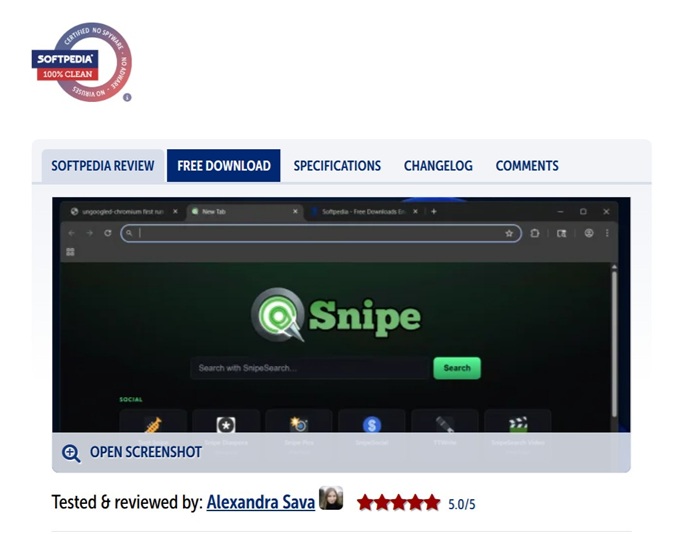
Snipe Browser is a Chromium-based web browser that removes Google’s built-in services and telemetry while preserving the speed and compatibility of Chromium. Softpedia highlights Zero Telemetry, built-in uBlock Origin, a local-only password manager, no built-in AI, and greater control over updates and background processes.
SnipeSearch scored 88/100 for trust and reputation on Gridinsoft. No malware or phishing detections, and 0 provider warnings at the time of the check.
SnipeSearch.co.uk scored 79/100 for trust and reputation on Gridinsoft. No malware or phishing detections, a 16.9-year domain history, and 0 provider warnings at the time of the check.