What's in the build
Chromium 144 for Server 2003.
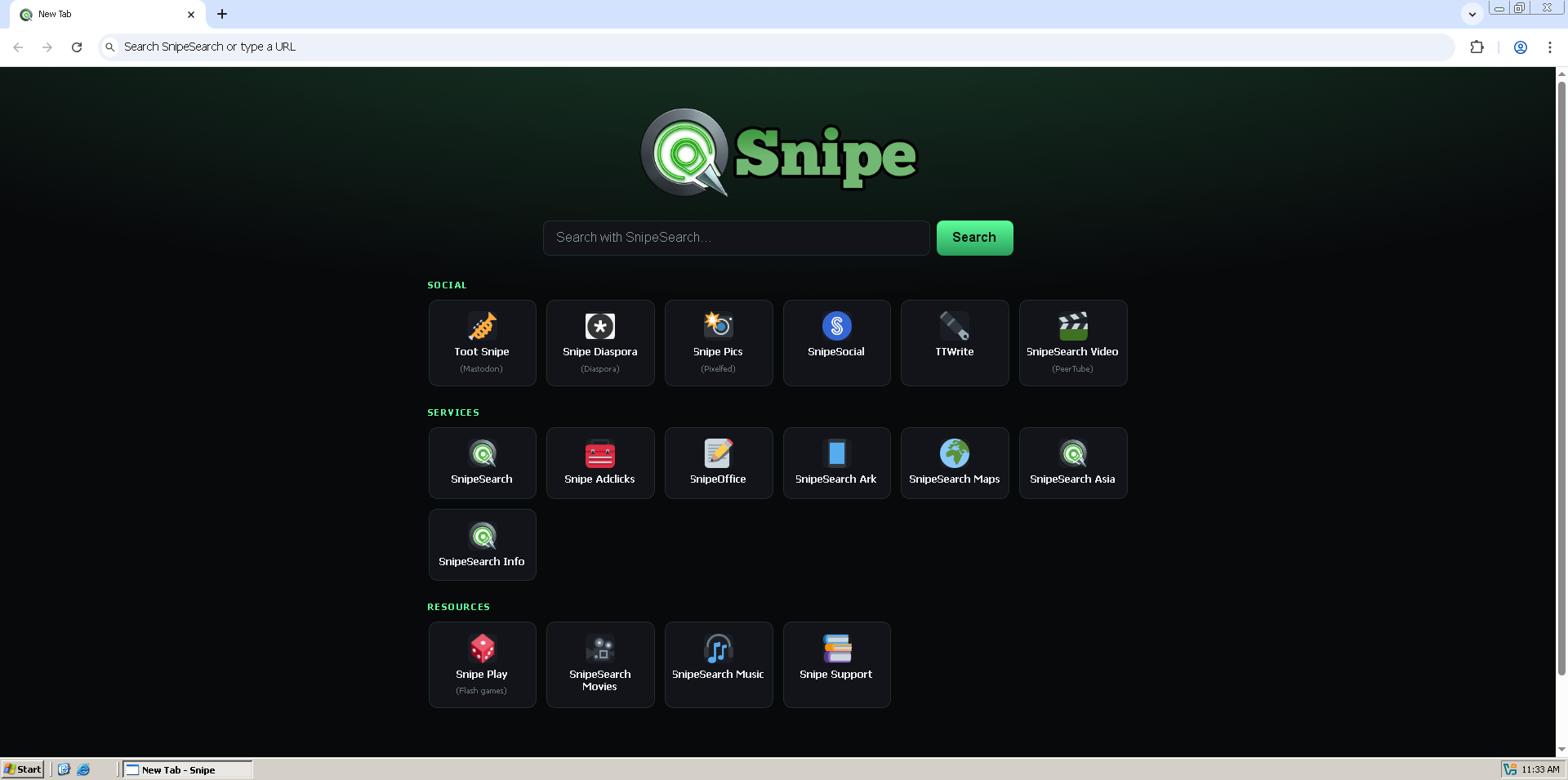
This is a full modern browser that still runs on Windows Server 2003 and Server 2003 R2. You get the same privacy-first defaults as the rest of the Snipe line, plus the compatibility work needed so the window actually paints, fonts stay readable, and the process model does not drown a 512 MB box.
uBlock Origin
Core ad blocking is already registered when you open the first tab. Tracking networks and malicious scripts stay out of the way by default, and you can keep a curated whitelist for non-intrusive ads or switch it off and block everything.
Ruffle / Flash
Legacy .swf content runs through the built-in Ruffle player. There is no NPAPI plugin to hunt down, and nothing extra to download before old Flash games and tools open again.
SnipeSearch by default
Address-bar searches go to SnipeSearch instead of Google. The new tab page surfaces the wider Snipe network (social, maps, play, music, and the rest) without burying you in Google account prompts.
De-Googled defaults
Metrics reporting, the component updater, and Safe Browsing stay off unless you turn them on. There is no Google account UI in the chrome, and the usual background phone-homes are cut so the browser is not chatting to Google while you are trying to use an old server.
Built for NT 5.2 hardware
Fonts use GDI instead of DirectWrite, drawing prefers SwiftShader with a disabled GPU fallback when software GL cannot start, and the process model keeps renderer count and cache sizes under control so Server 2003 stays usable on modest RAM.
Simple installer
The Inno Setup package drops Snipe into Program Files, adds the shortcuts you ask for, and launches Snipe.exe directly. Prefer not to install? Extract the portable ZIP and run from any folder or USB stick.
Local passwords
The password manager stays on the machine. There is no forced cloud sync and no AI assistant layered on top of your credentials; import a CSV if you are moving from another browser, then delete the file.
Background off when you close
Closing the window stops the Snipe processes. There is no tray icon hanging around and no leftover RAM use once you have shut the browser down for the day.