Desktop builds are on Chromium 140 — Android is a separate track. Windows →
Android · arm64 · APK

Snipe for Android

Chromium 147.0.7727.56 on Android arm64 — sideload the APK from Archive.org. Adblock Plus with updatable filter lists, the shared trusted-sites allowlist, and no automatic app updates. Package: org.snipesearch.snipebrowser.

Based on Chromium 147.0.7727.56 · arm64 APK · ~176 MB · © 2026 Snipe Group Limited
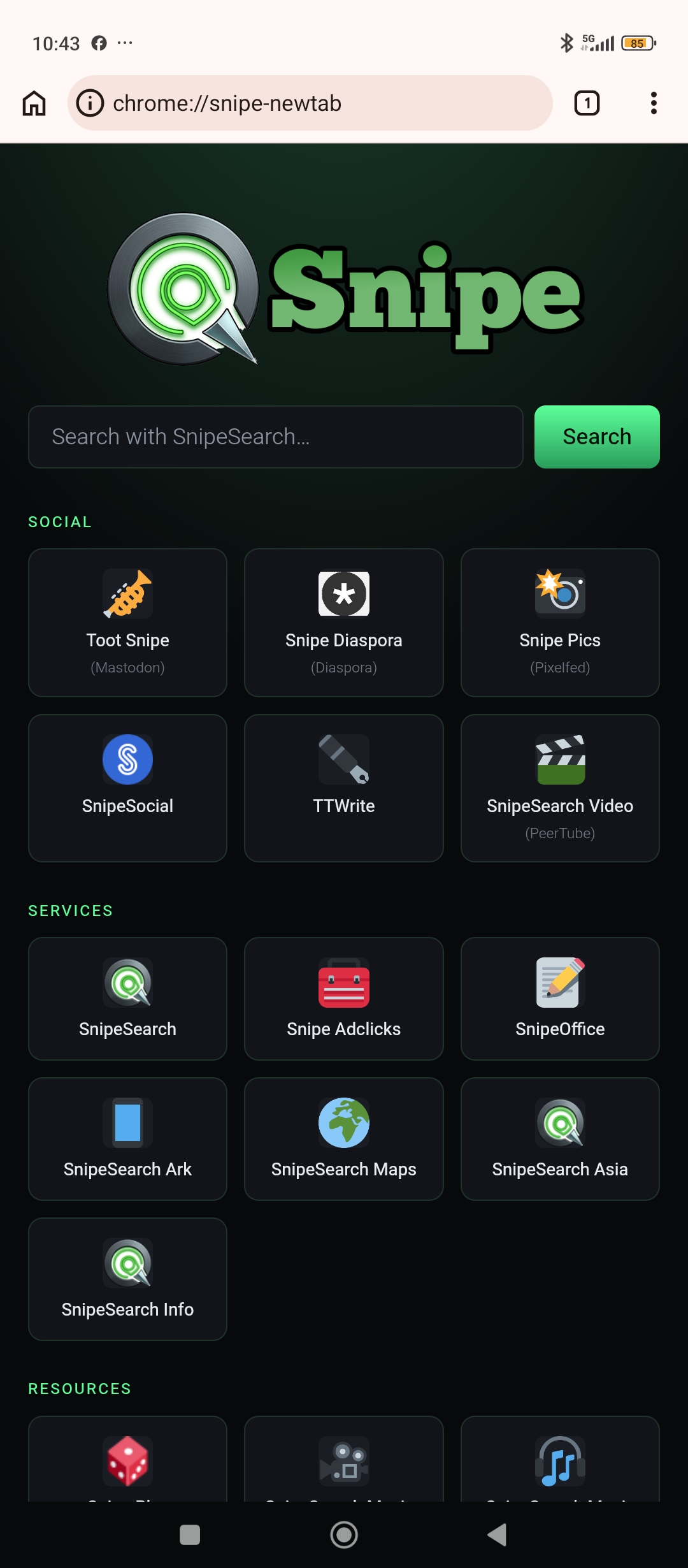
Snipe new tab on Android
147
chromium engine
arm64
apk architecture
ABP
adblock plus
Manual
app updates

Different version track than desktop

Desktop Snipe ships Chromium 140. Android Snipe ships Chromium 147.0.7727.56. Treat them as separate products for updates — do not expect the desktop release number to match the APK.

No automatic app updates

Snipe for Android does not check for APK updates automatically. You are responsible for checking for updates from the new-tab footer or Settings → About. Filter lists for Adblock Plus still update automatically — see the adblocking policy.

Adblock Plus — not uBlock Origin

Desktop builds compile uBlock Origin into the core. Android uses Adblock Plus (Settings → Adblock Plus settings), with EasyList and other lists hosted via cromite.org mirrors, plus the shared trusted-sites allowlist. A separate Legacy Adblock settings entry also appears in Settings.

First launch

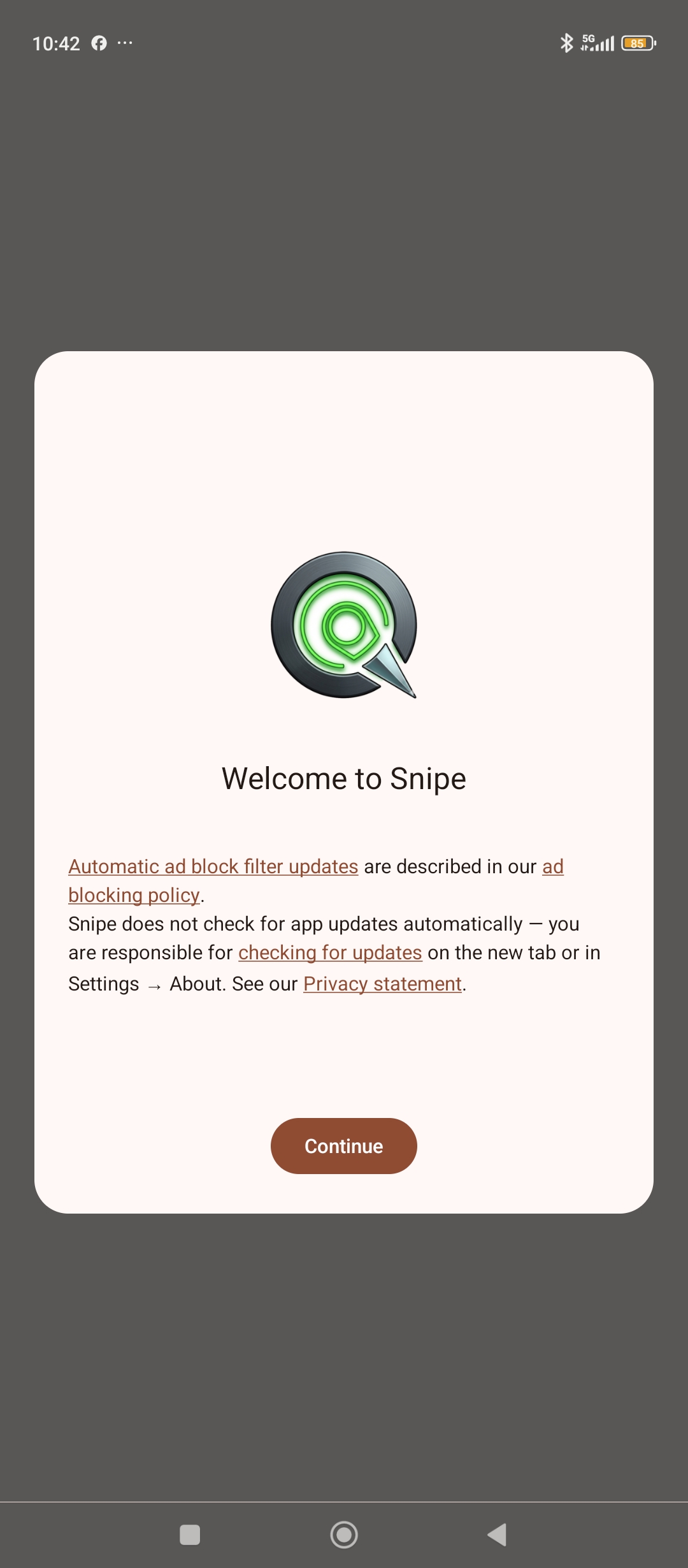
Welcome screen — read this.

On first open, Snipe explains automatic ad-block filter updates and that app updates are your responsibility. Then you pick a default search engine: SnipeSearch, Google, or Microsoft Bing.

Welcome to Snipe on Android — adblocking and update policy
Sideload install

Install Snipe on Android

Package file: arm64_SnipeBrowser.apk (~176 MB). Not on the Play Store — you install from the APK. Allow installs from your browser or file manager when Android asks.

Step 1

Download the APK

Fetch the arm64 package from Archive.org on your phone (or transfer it from a PC).

⬇ Download arm64_SnipeBrowser.apk https://archive.org/download/arm64_SnipeBrowser/arm64_SnipeBrowser.apk
Step 2

Allow install from this source

Open the downloaded APK. If Android blocks it, enable “Install unknown apps” / “Allow from this source” for your browser or Files app, then try again.

Step 3

Confirm install

Tap Install on the system dialog. Wait for “Installing…” to finish. On some OEMs (e.g. MIUI) a security scan follows — Snipe should report no risks, then tap Open.

Step 4

First-run setup

Read the Welcome screen (ad-block filter updates vs manual APK updates), tap Continue, choose your search engine, and tap Set as default. The new tab opens at chrome://snipe-newtab.

Step 5

Content blocking (optional)

Open the ⋮ menu → Settings → Adblock Plus settings. Adblock Plus is on by default. Manage filter lists, allowlist entries, and “Check for updates now” there. Policy details: /adblocking.

What's in the Android build

Same ecosystem, mobile rules.

🛡

Adblock Plus

Built-in ABP with EasyList and more — not uBlock Origin.

📋

Shared allowlist

Same trusted-sites list as desktop. Editable in ABP settings.

🔄

Filter updates

Ad-block lists refresh automatically. The APK does not.

🔍

SnipeSearch

Default search option on first run — Google and Bing available.

📱

Chromium 147

Ahead of the desktop 140 track — arm64 APK only for now.

🧩

Extensions (experimental)

Enable Extensions under Developer options — requires relaunch.

🔒

Font FP mitigation

Android fonts fingerprinting mitigation on by default in developer options.

🚫

Zero Google telemetry

De-Googled Chromium — no Play Services dependency for browsing.

Download · v147.0.7727.56

Run Snipe on Android.

Android arm64 · sideload APK. Desktop users stay on the Chromium 140 builds. If you would like to try SnipeOffice, it is available as a separate download.

Android · arm64

APK package

Download arm64_SnipeBrowser.apk, then follow the install steps above.

https://archive.org/download/arm64_SnipeBrowser/arm64_SnipeBrowser.apk
File · arm64_SnipeBrowser.apk · ~176 MB · package org.snipesearch.snipebrowser · Archive.org
⬇ Download APK

Android — requirements & notes