Snipe
SnipeAbout · Chromebook-Fennel 14
What SnipeOS for Chromebook is
A complete, installable Linux desktop for the Lenovo IdeaPad 3 Chromebook (FENNEL14). Same creative intent as SnipeOS 13D on PC: office, browser, Craft, graphics, video, audio, and more on a light desktop. Built for this Chromebook’s boot path, not as a reskin of ChromeOS and not as the PC ISO.
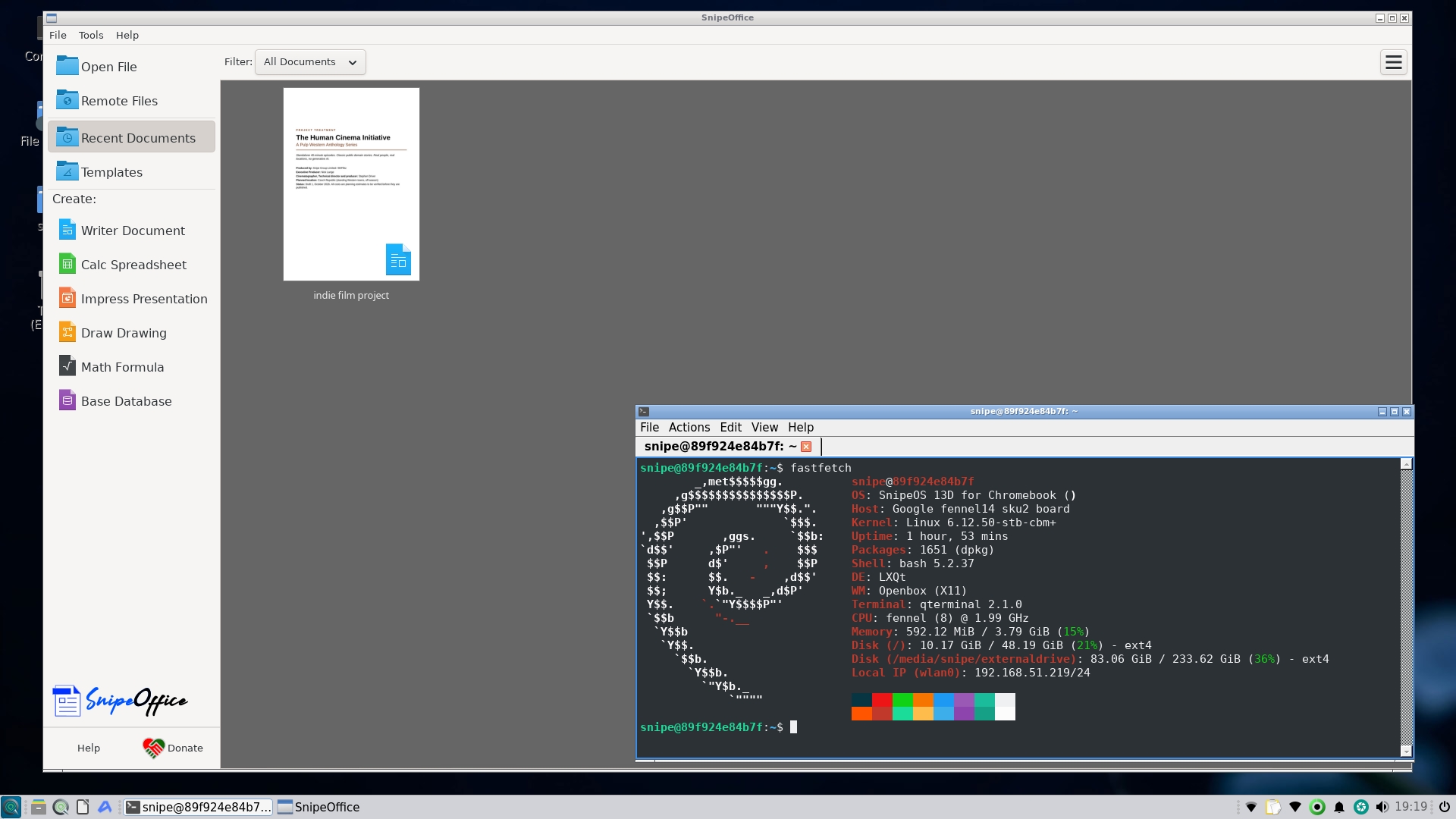
Where ChromeOS keeps you in a locked-down cloud shell, SnipeOS for Chromebook hands you a full desktop the moment you boot from USB: SnipeOffice, privacy-first Snipe Browser, real email, vector and raster graphics, photo tools, video editors, a streaming studio, audio tools, 3D, desktop publishing, the Craft suite, a media centre, and games. You can try it from a stick first, then install to the Chromebook’s internal storage when you are ready.
Underneath is Debian 13 for this Chromebook family. On top is the full creative stack ready from first login: Office, Browser, Craft, and the open tools beside them. Security updates follow the Debian path; the apps and defaults are already chosen so you can work instead of shopping the archive.
How it relates to SnipeOS 13D on PC
Think of them as siblings. The PC channel is the familiar download-and-flash ISO for Intel and AMD machines. This Chromebook channel is the same product idea for the IdeaPad 3 / FENNEL14: same apps where both ships include them, same brand, different install story. Application pages are shared; each program that ships on both shows Available in for 64-Bit and Chromebook-Fennel 14. Install, hardware, and download stay separate because you enable Developer Mode and boot with Ctrl+U here - not Calamares from a PC USB stick.
What version 0.8.61 brings
The current download is version 0.8.61. Dropbox is the real desktop client (it will not open a browser by itself when Wi‑Fi comes up). Spreadsheets, Office files, and plain text open in the apps you expect. PhotoCraft is current. Nextcloud Desktop is not included. Steam, when you want it, installs through the menu helper built for this Chromebook.
Who it is good for
People with a Lenovo IdeaPad 3 Chromebook who want a real creative desktop without buying a new PC. Students and households who need Office, browser, and art tools that work offline. Anyone tired of ChromeOS limits who is willing to enable Developer Mode and follow a careful install guide.
Who should look elsewhere
If your machine is a normal Windows or Mac laptop, use SnipeOS 13D for PC instead. If you need Wine for Windows-only programs, that path is on the PC ISO. If you are not ready to wipe ChromeOS local data for Developer Mode, stay on stock ChromeOS until you are.
Download the image, or jump to hardware guidance and the install guide.
A real desktop on this Chromebook
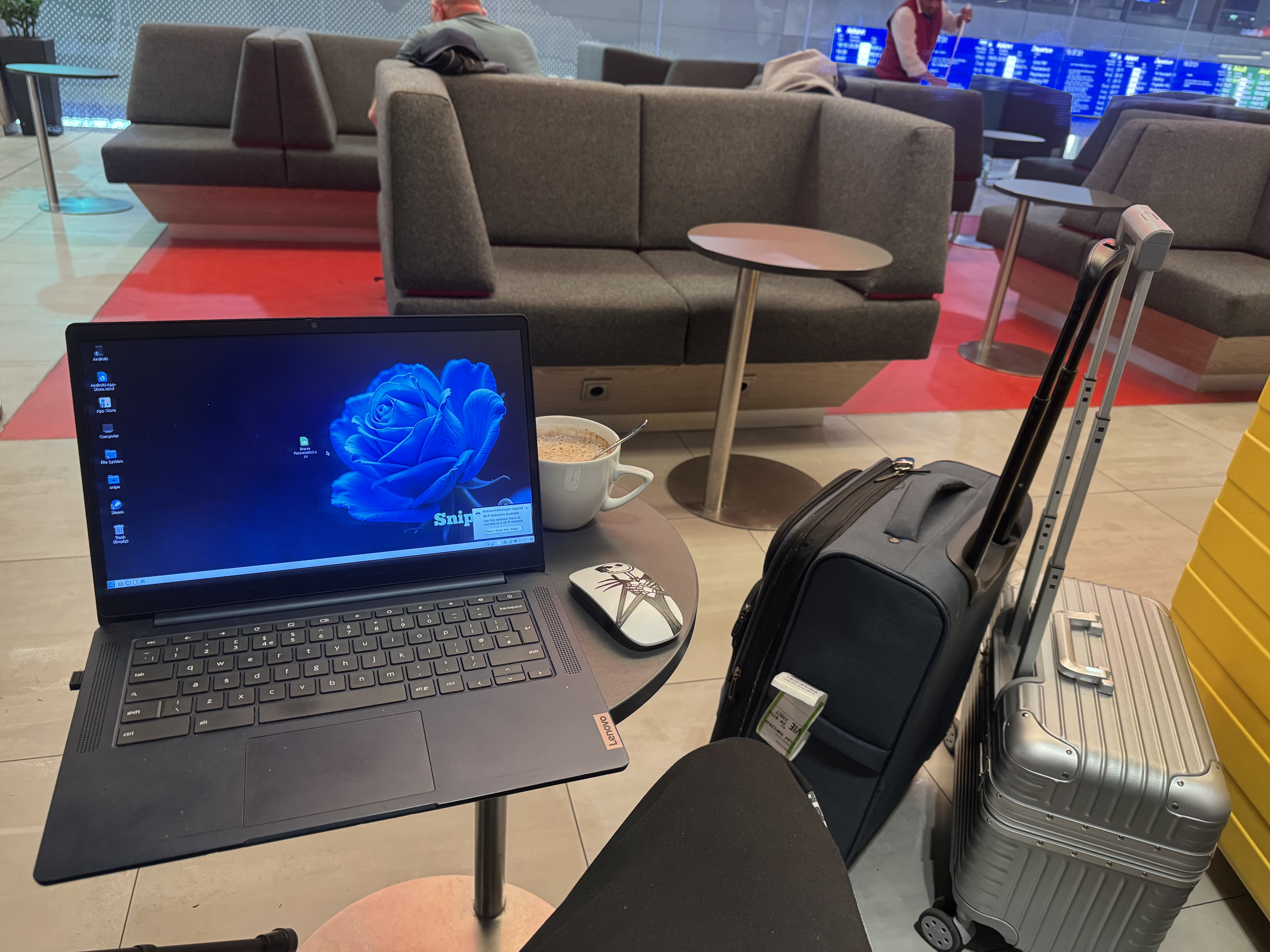
Not a browser window dressed up as an OS. SnipeOffice, Snipe Browser, Craft, and the open creative tools run as normal desktop apps on the IdeaPad 3.
Built for travel and the desk
The same image that boots from USB is what we take on the road. Light desktop, full stack, one Chromebook.