Hardware · Chromebook-Fennel 14

System requirements

This channel is built and tested for the Lenovo IdeaPad 3 Chromebook 14″. On the Recovery screen the hardware ID should start with FENNEL14. That is the supported path. Similar Chromebooks in the same family may boot the image, but FENNEL14 is what we document and ship against.

PrimaryFENNEL14

Lenovo IdeaPad 3 Chromebook 14″

A modest Chromebook with about 4 GB of memory and typically 64 GB of internal storage. That is enough for a real desktop with Office, browser, Craft, and light creative work. It is not a high-end gaming laptop - treat heavy games and stacked editors with care.

ItemDetail
ModelLenovo IdeaPad 3 Chromebook 14″
Hardware IDFENNEL14 (confirm on the Recovery screen)
MemoryAbout 4 GB - comfortable for everyday work; avoid running Steam and heavy apps all at once
StorageTypically 64 GB internal; install leaves room for swap so the machine stays usable
GraphicsFine for the desktop, browser, Office, and light creative apps; not a discrete gaming GPU
How you bootDeveloper Mode, then USB with Ctrl+U (see the install guide)

What fits comfortably

Everyday browsing, SnipeOffice, Craft, Inkscape, GIMP, and Krita for lighter work, VLC for playback, OBS at modest settings, and Kdenlive if you keep projects reasonable. Steam is available through the Install Steam menu item made for this Chromebook - use that path rather than hunting for a separate ARM Steam build.

Need a normal Windows-style PC with Secure Boot and a Calamares installer instead? See SnipeOS 13D for PC requirements.

The machine we ship against

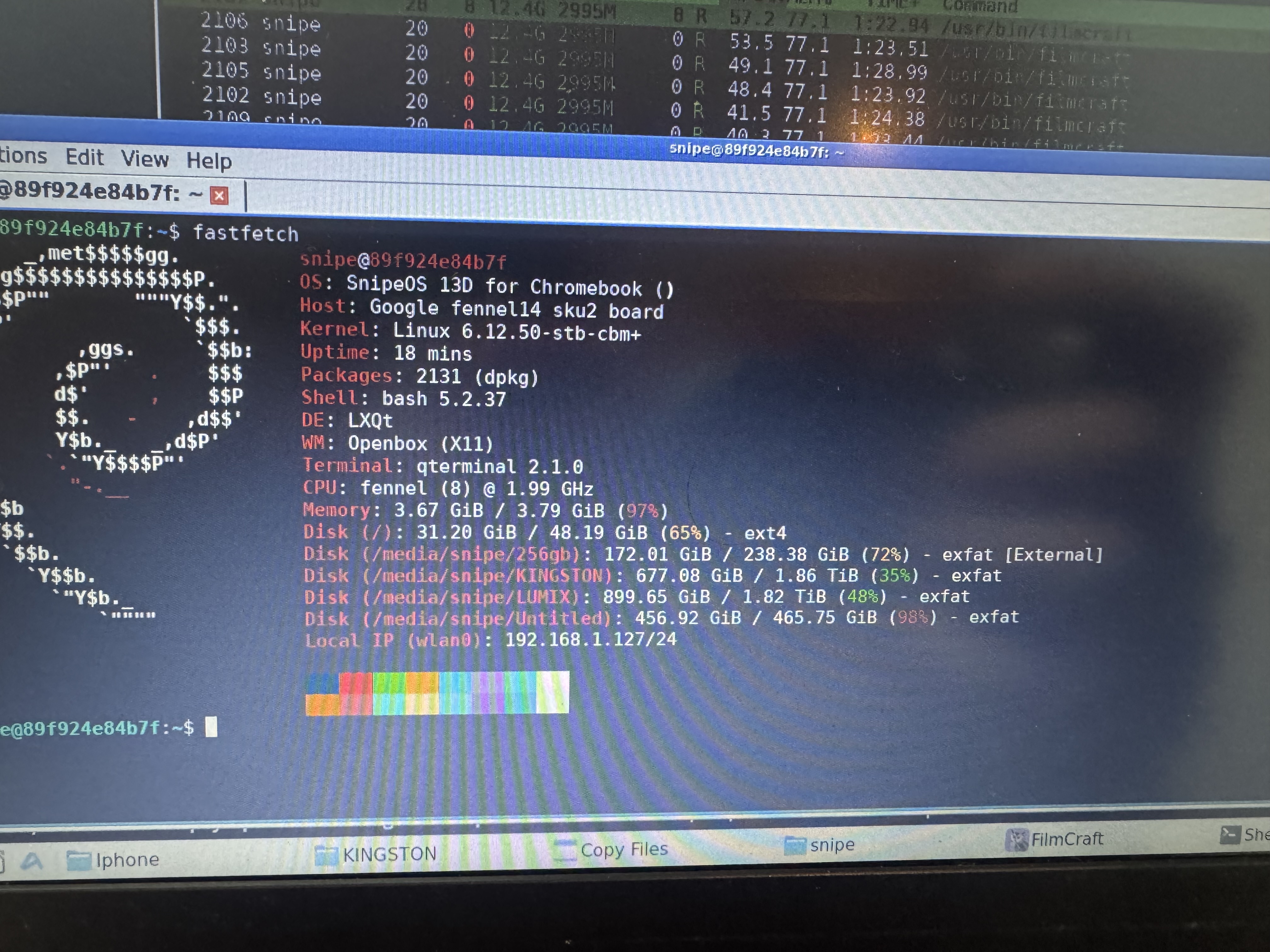
Photos from the Lenovo IdeaPad 3 used for QA. If your Recovery screen shows FENNEL14, you are on the documented path.

Close-up of the Lenovo IdeaPad 3 Chromebook running SnipeOS

Creative work on 4 GB

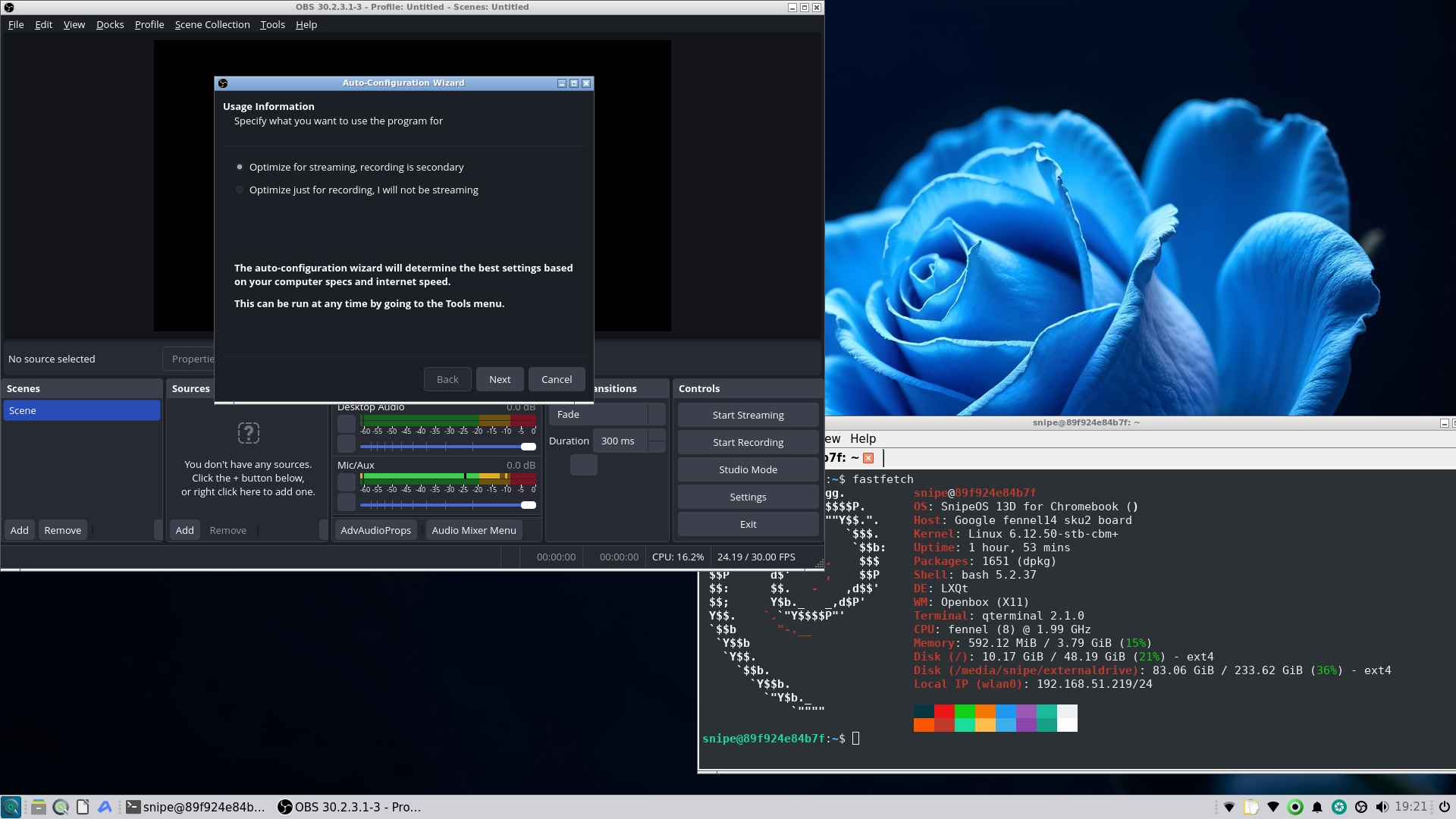
OBS, Blender, and Kdenlive are on the image. Keep expectations honest for the hardware: modest projects, proxies where it helps, and one heavy app at a time.

OBS Studio open on SnipeOS for Chromebook