Snipe
SnipeDownload · Chromebook-Fennel 14
Get SnipeOS for Chromebook
Version 0.8.61 for the Lenovo IdeaPad 3 Chromebook (FENNEL14). About 12 GB. Download the file from the Internet Archive, or grab the BitTorrent file if HTTP is slow in your region. Then flash with balenaEtcher and follow the install guide. This is not the PC ISO.
Disk image
Hosted on the Internet Archive. Direct image link or BitTorrent file below.
- File
- snipebookos-kukui-fennel14-0.8.61.img
- Size
- About 12 GB
- For
- Lenovo IdeaPad 3 · FENNEL14
- Version
- 0.8.61
- Flash with
- balenaEtcher
- Next step
- Install guide
When direct download is slow: save the torrent file, open it in Transmission, qBittorrent, or similar, and let it fetch the disk image. Archive.org torrents often pull from both peers and Archive mirrors, which is faster than a single browser download.
Flash the USB with balenaEtcher as a raw disk image. If Etcher warns about a missing partition table, continue - this Chromebook image is not a normal PC ISO, and that warning is expected. Need the Intel / AMD stick instead? PC Build 29 ISO.
After the download
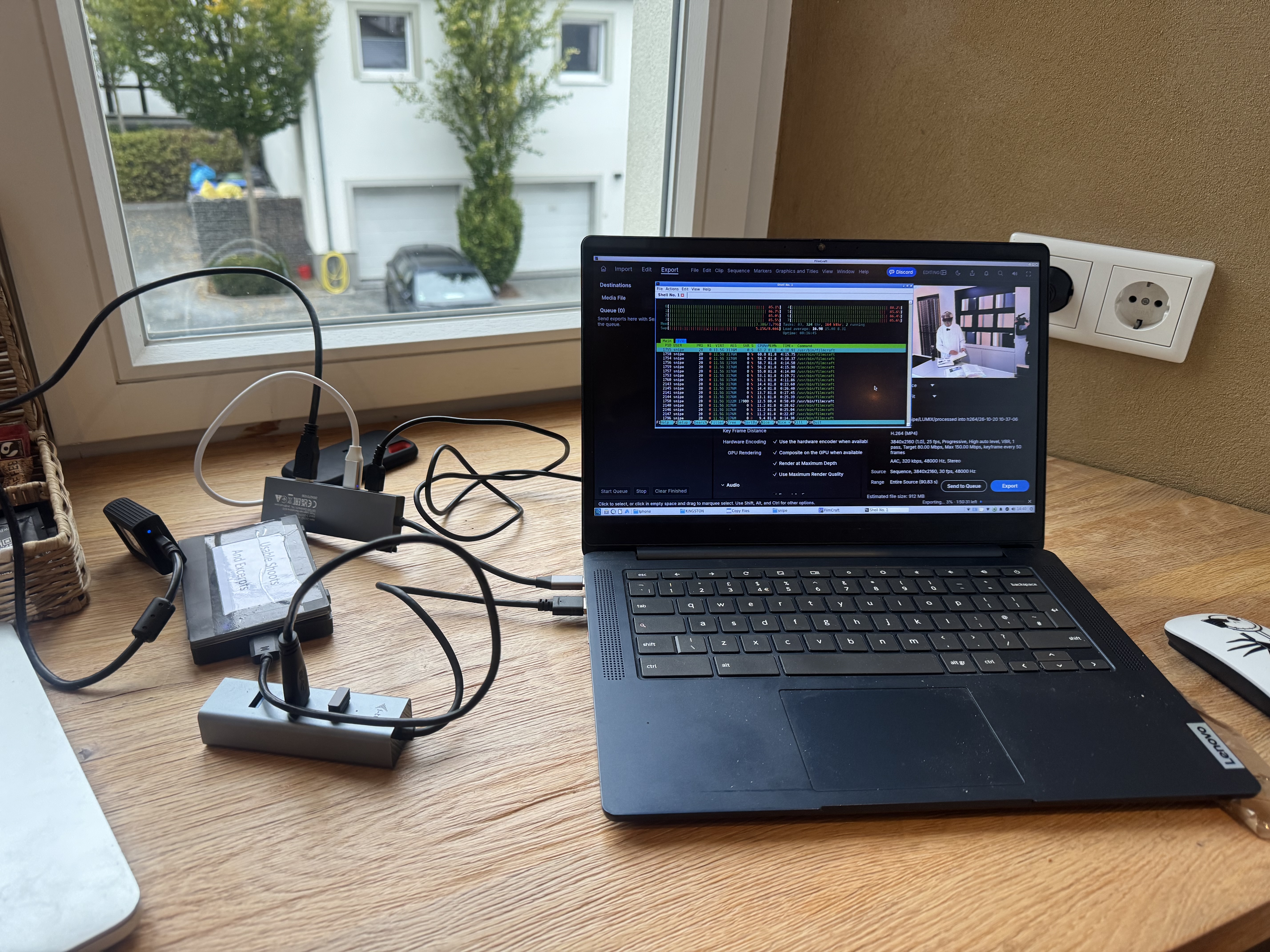
Flash the image with balenaEtcher, then follow the Chromebook install guide. You will enable Developer Mode, allow USB boot, and press Ctrl+U to reach this desktop.