Snipe
Snipe
SnipeOS for Chromebook
Everything a designer, editor, and student needs - on your Chromebook.
A complete productivity desktop for the Lenovo IdeaPad 3 Chromebook (FENNEL14): office, Craft, graphics, video, audio, 3D, publishing, and games on a light desktop. Same family as SnipeOS 13D on PC. Built for this Chromebook, not a ChromeOS reskin.
Looking for the PC / Intel-AMD ISO instead? SnipeOS 13D 64-Bit.
Flagships on a light desktop
SnipeOS for Chromebook ships the creative toolchain ready from first login. Try it from USB, then install to the Chromebook when you are ready.
- SnipeOffice
- Full office suite, ready from first login
- Snipe Browser
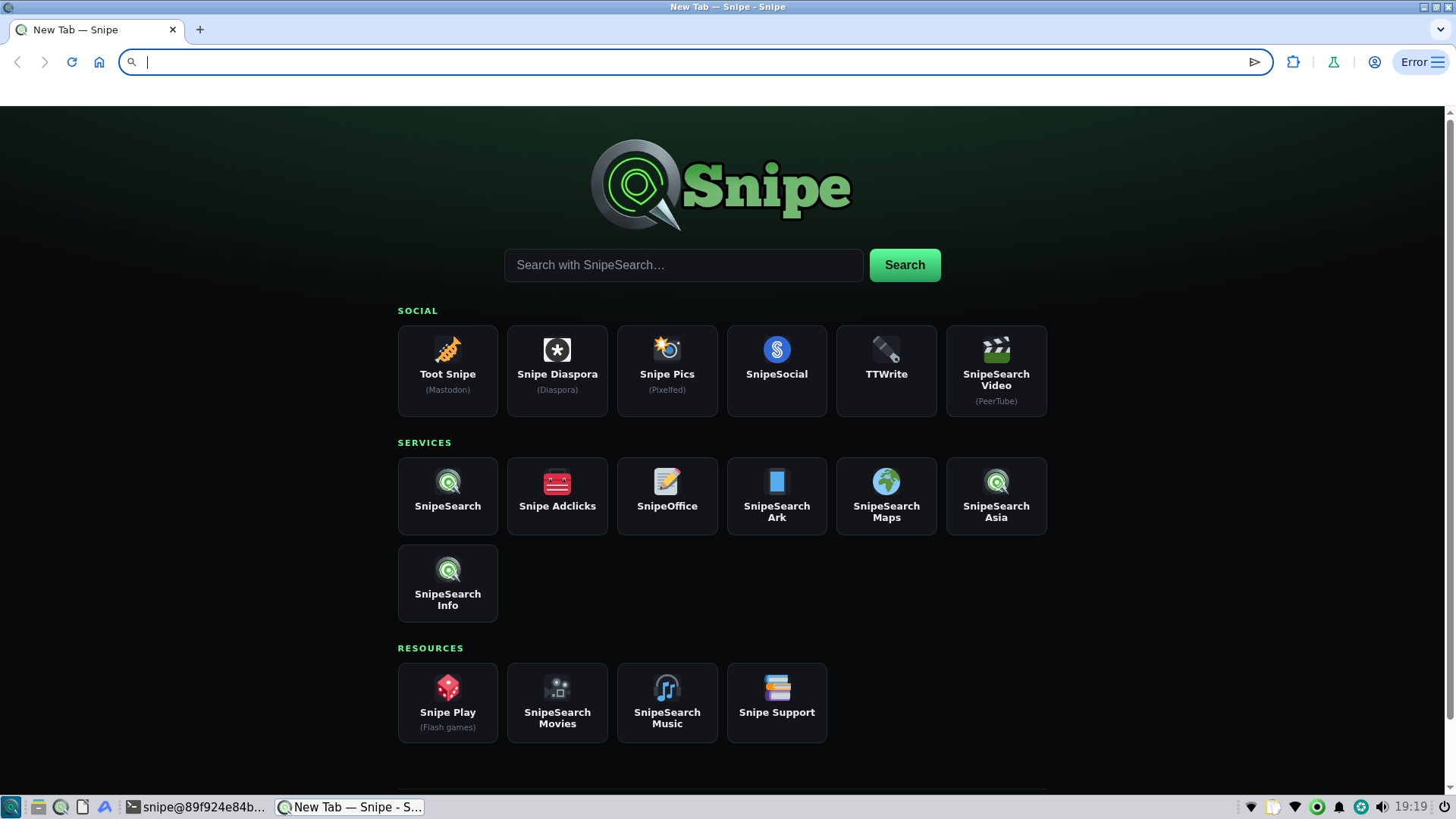
- Privacy-first browsing, light on this Chromebook
- Craft suite
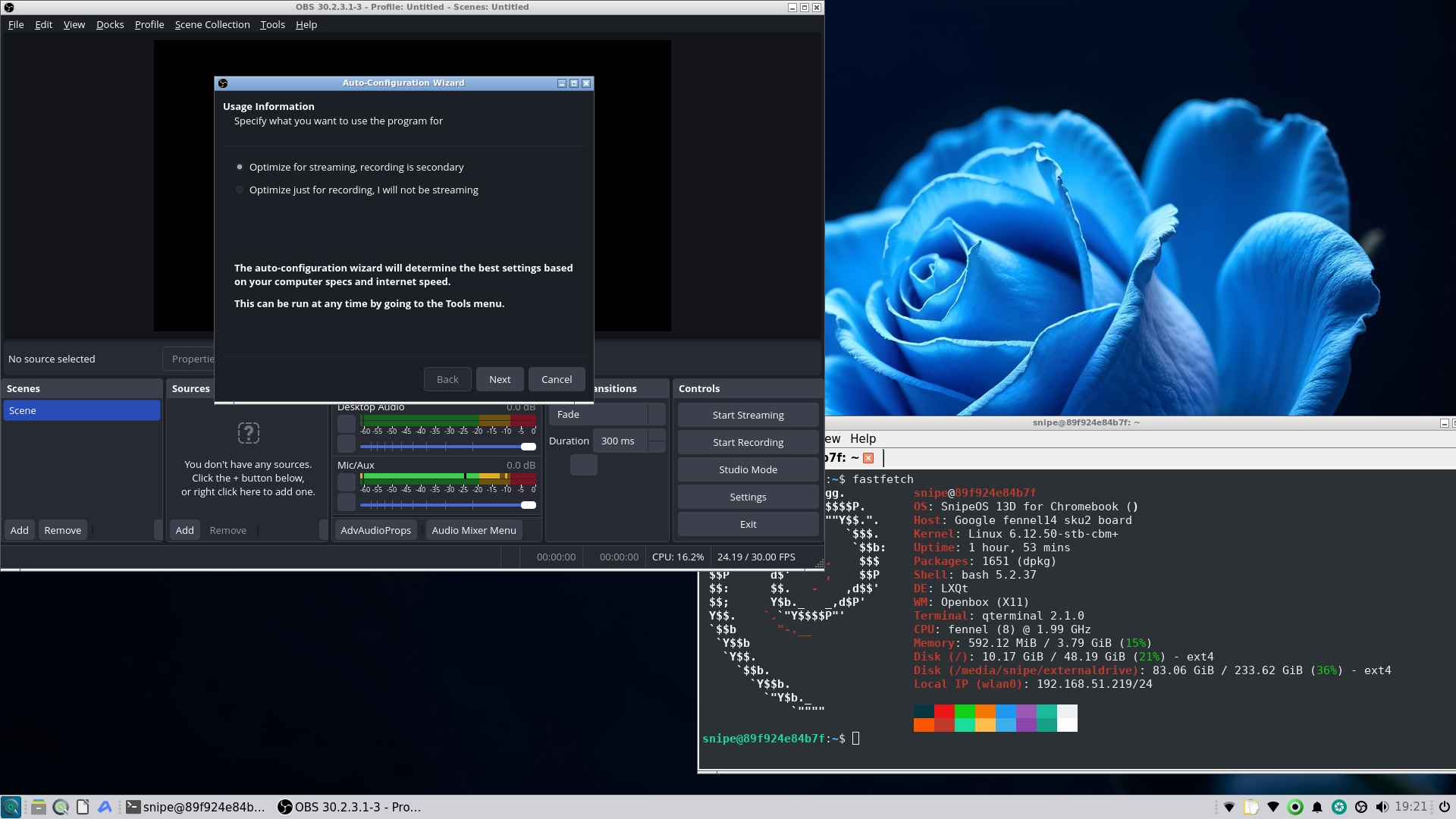
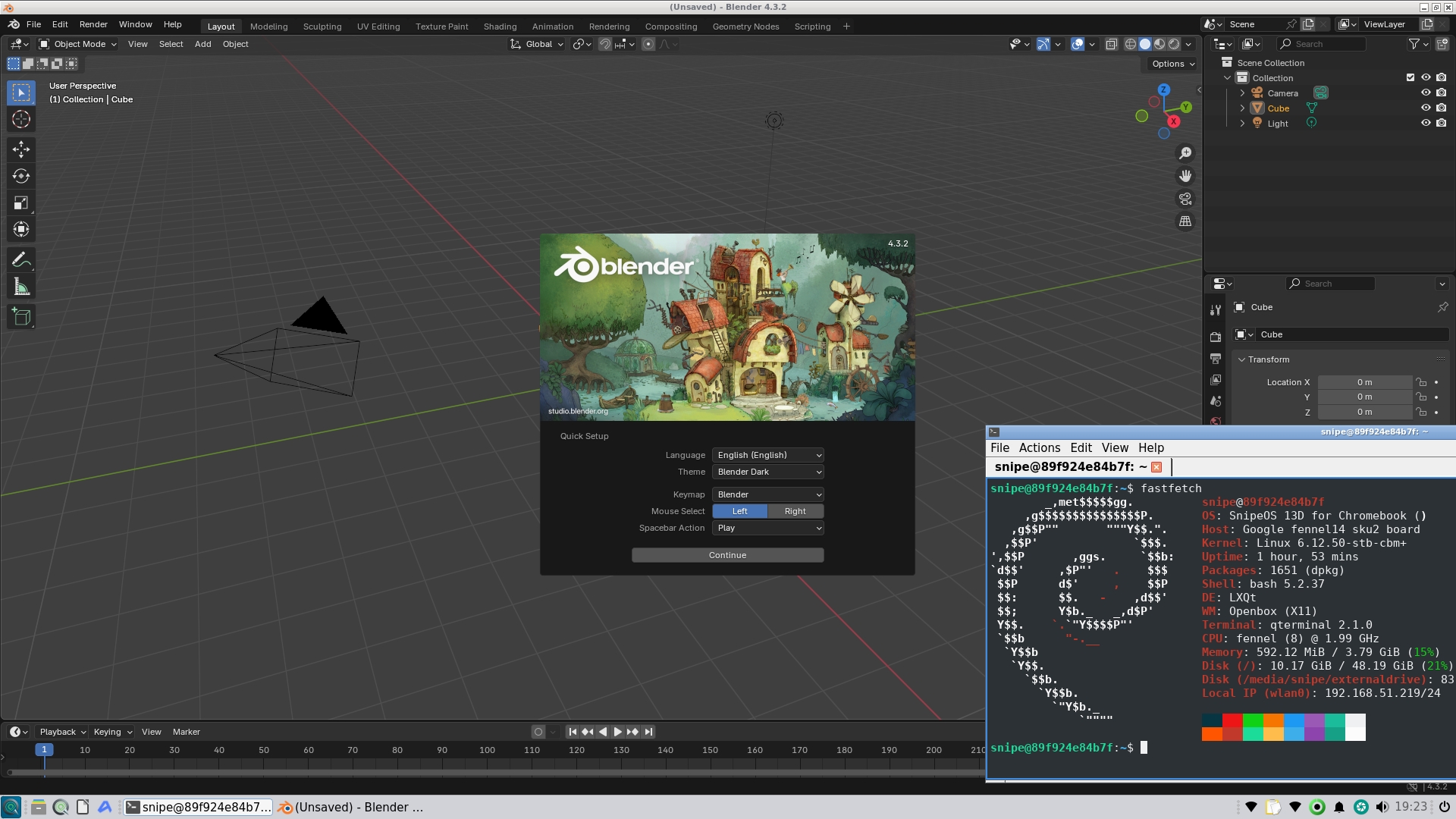
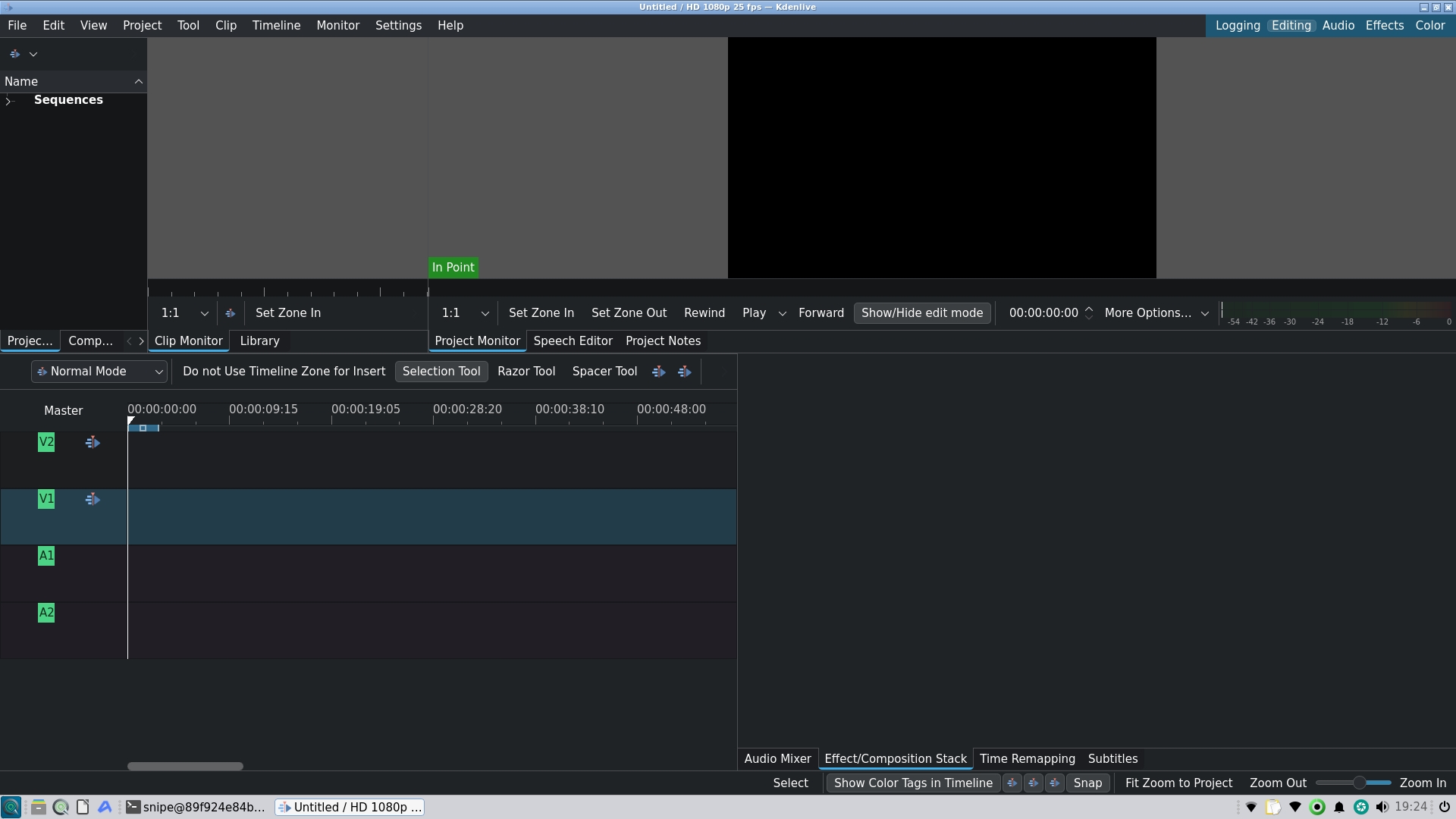
- Photo, Vector, Film, Light, Design, Pdf, CAD, and more
- Desktop
- Light LXQt desktop, ready from first login
The desktop after you boot
You get a familiar menu from the first login: categories on the left, apps on the right, search at the top. Office, browser, Craft, and the open creative tools sit ready without hunting through stores. Application write-ups are shared with the PC channel - each program that ships on both shows Available in for 64-Bit and Chromebook-Fennel 14. Wine stays on the PC ISO; Steam on this Chromebook installs from the menu helper made for it.
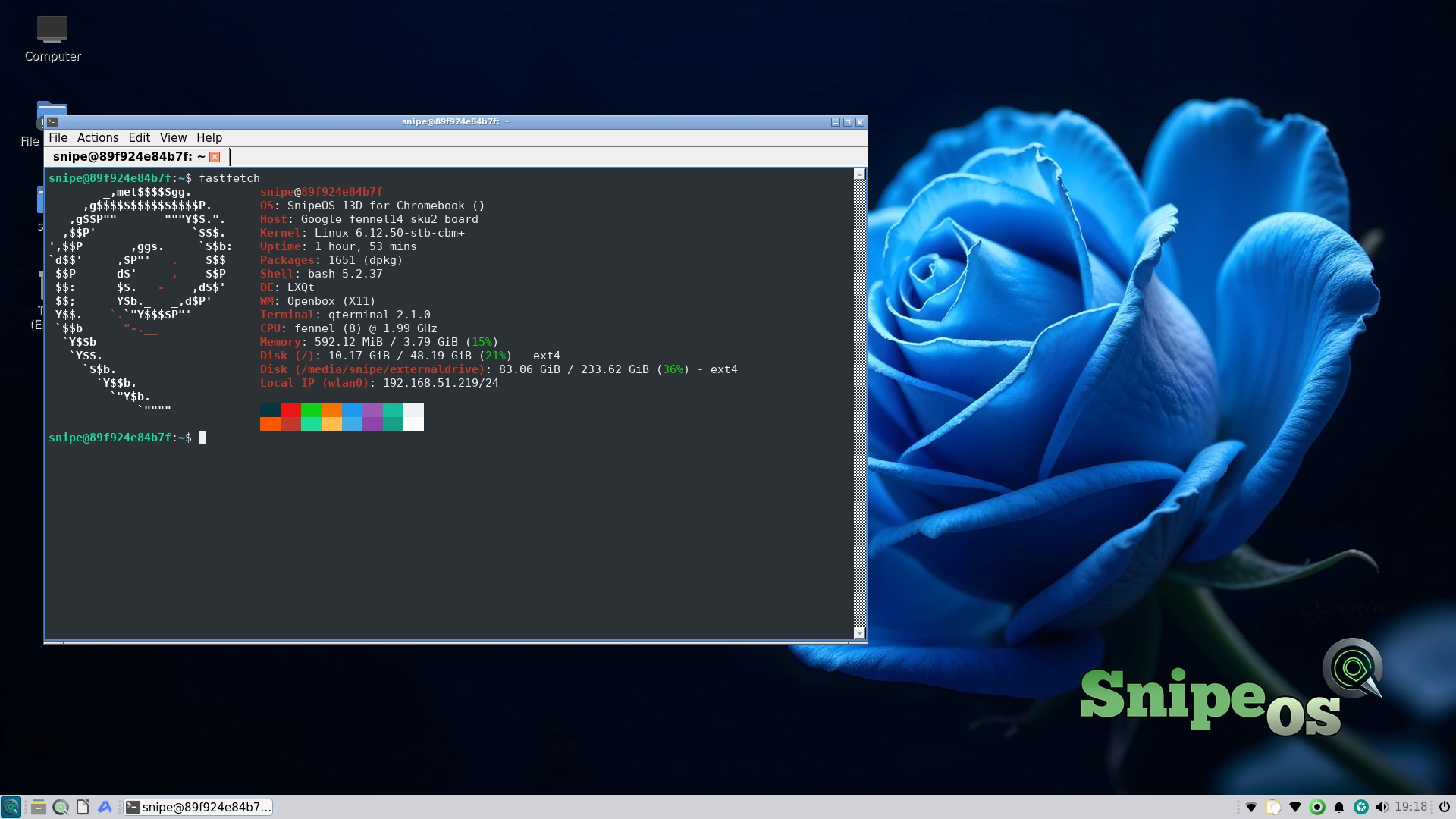
Office and browser ready
SnipeOffice and Snipe Browser ship on the image. Open a document, open the web, keep working - no store account required for the default stack.
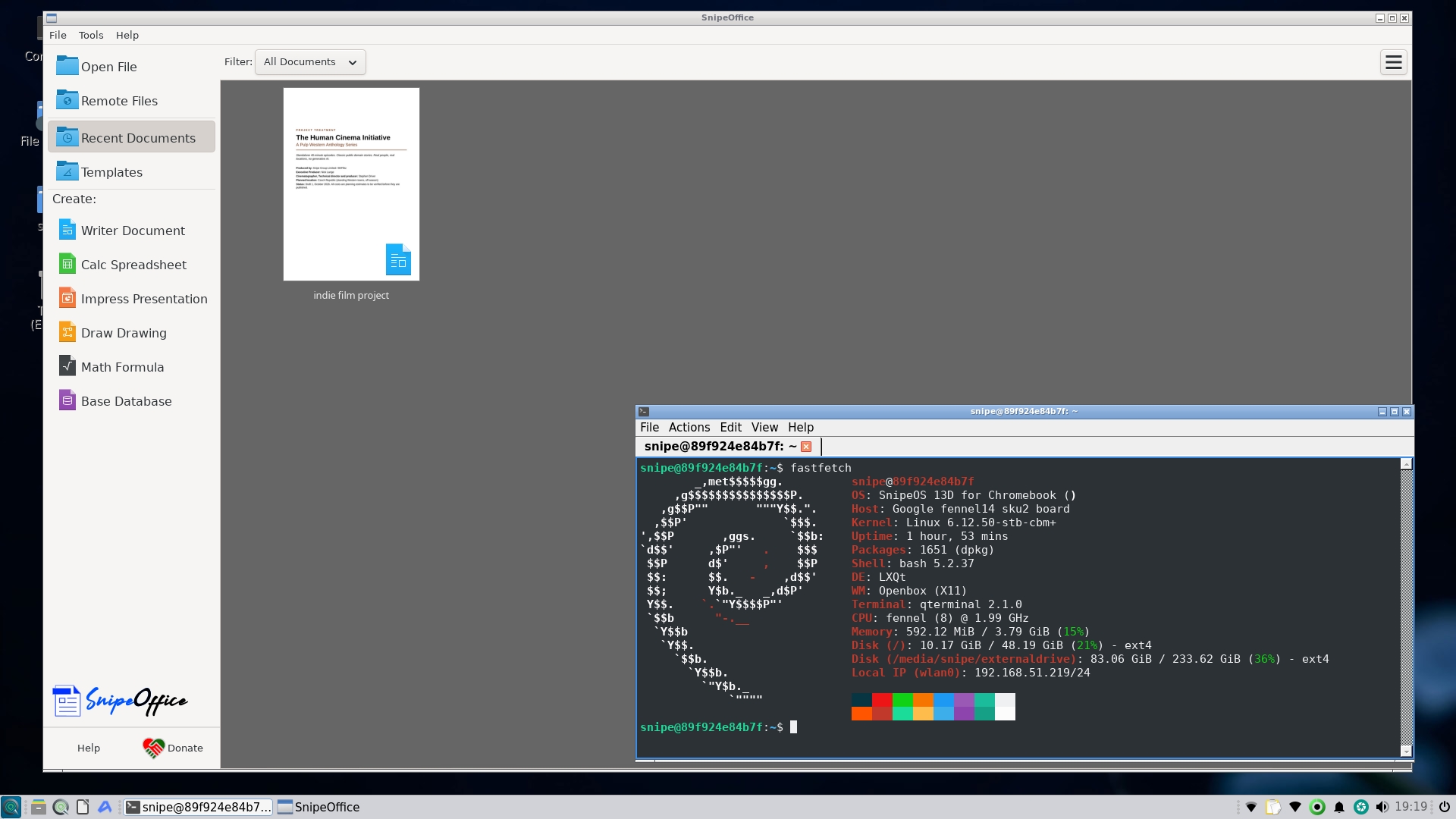
Try before you commit
Flash a USB stick, enable Developer Mode, boot with Ctrl+U, and explore the desktop. Install to the Chromebook’s internal storage only when you are ready. The install guide walks every step with real photos from this machine.
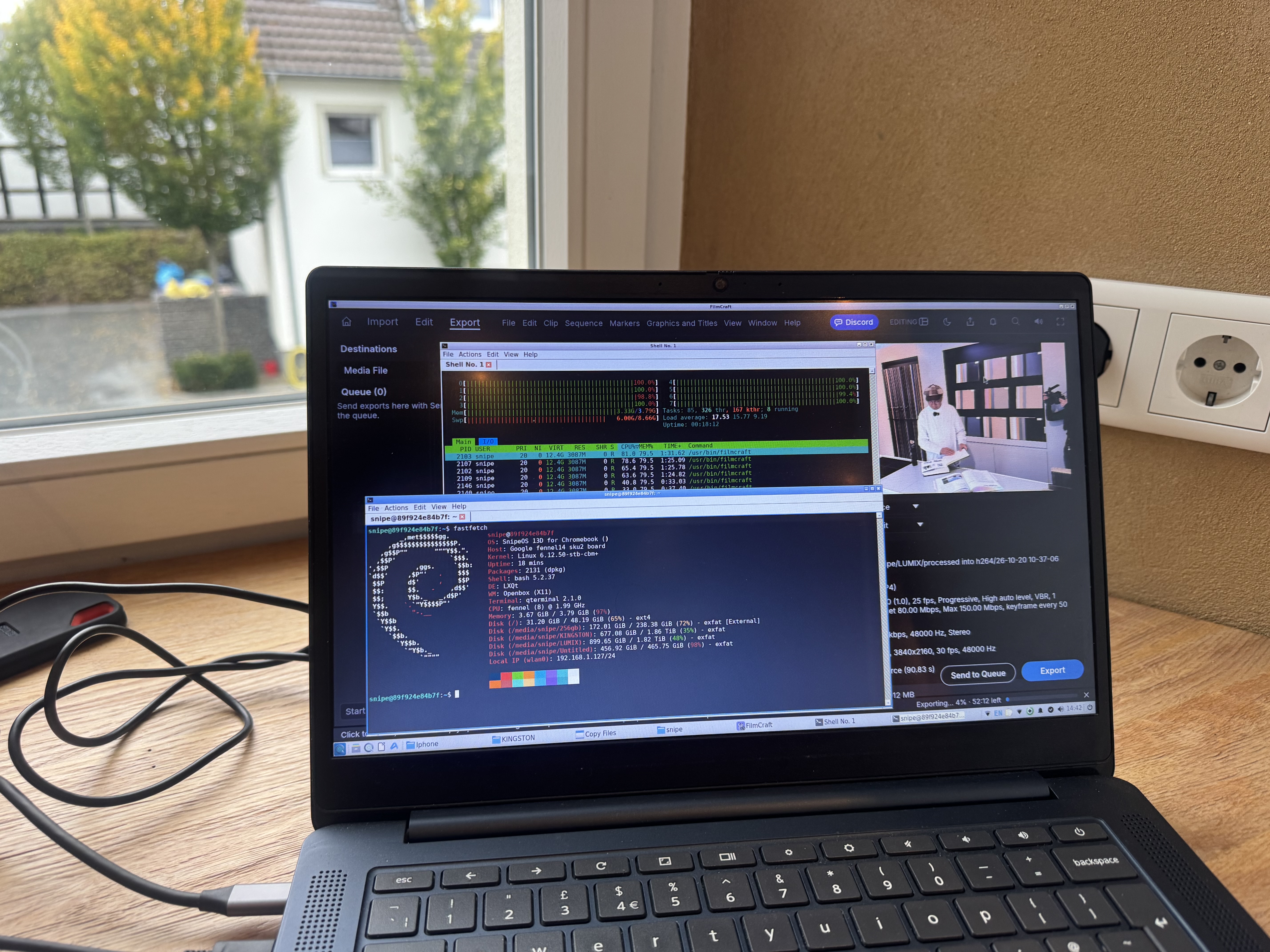
From the gallery
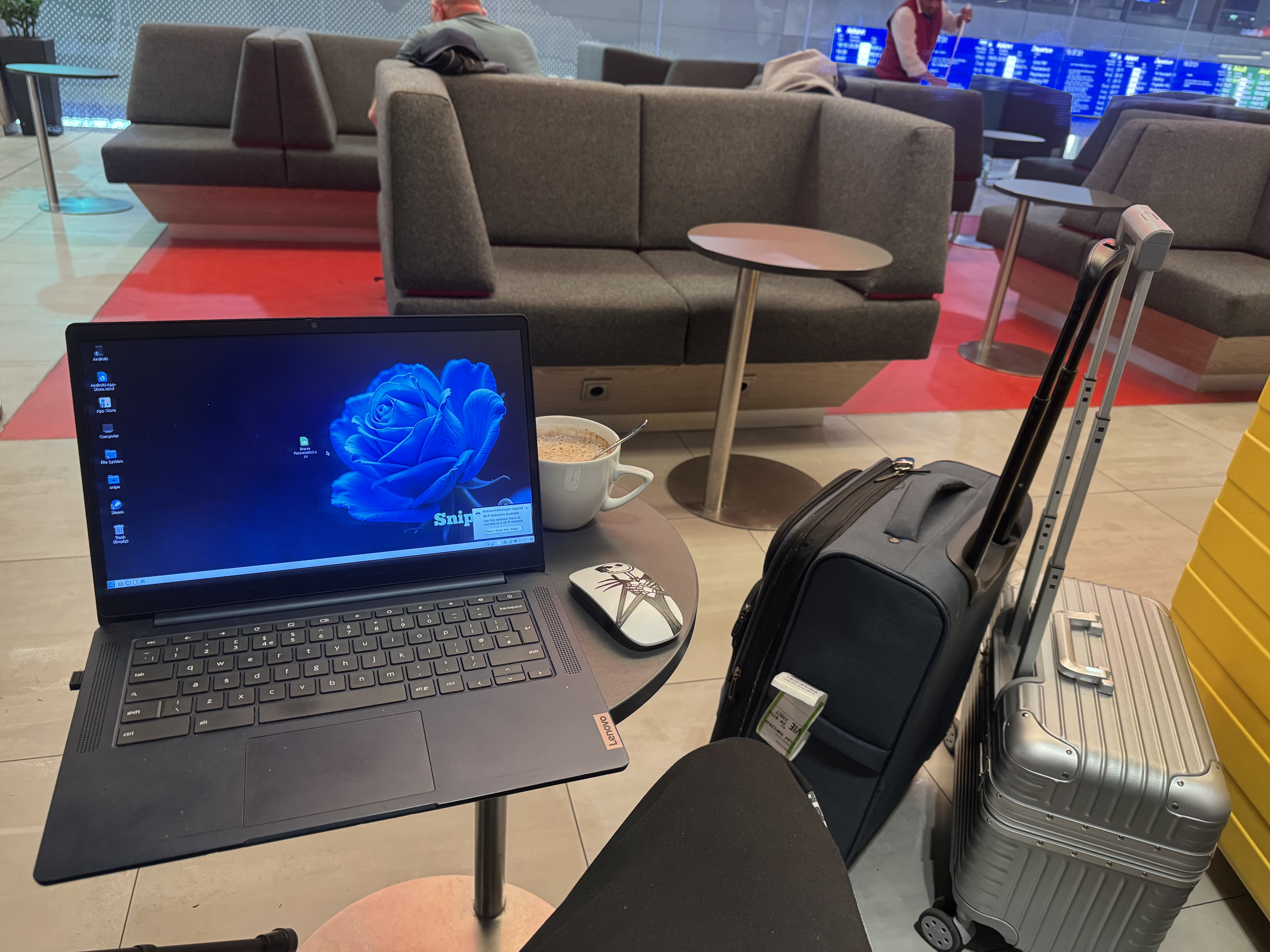
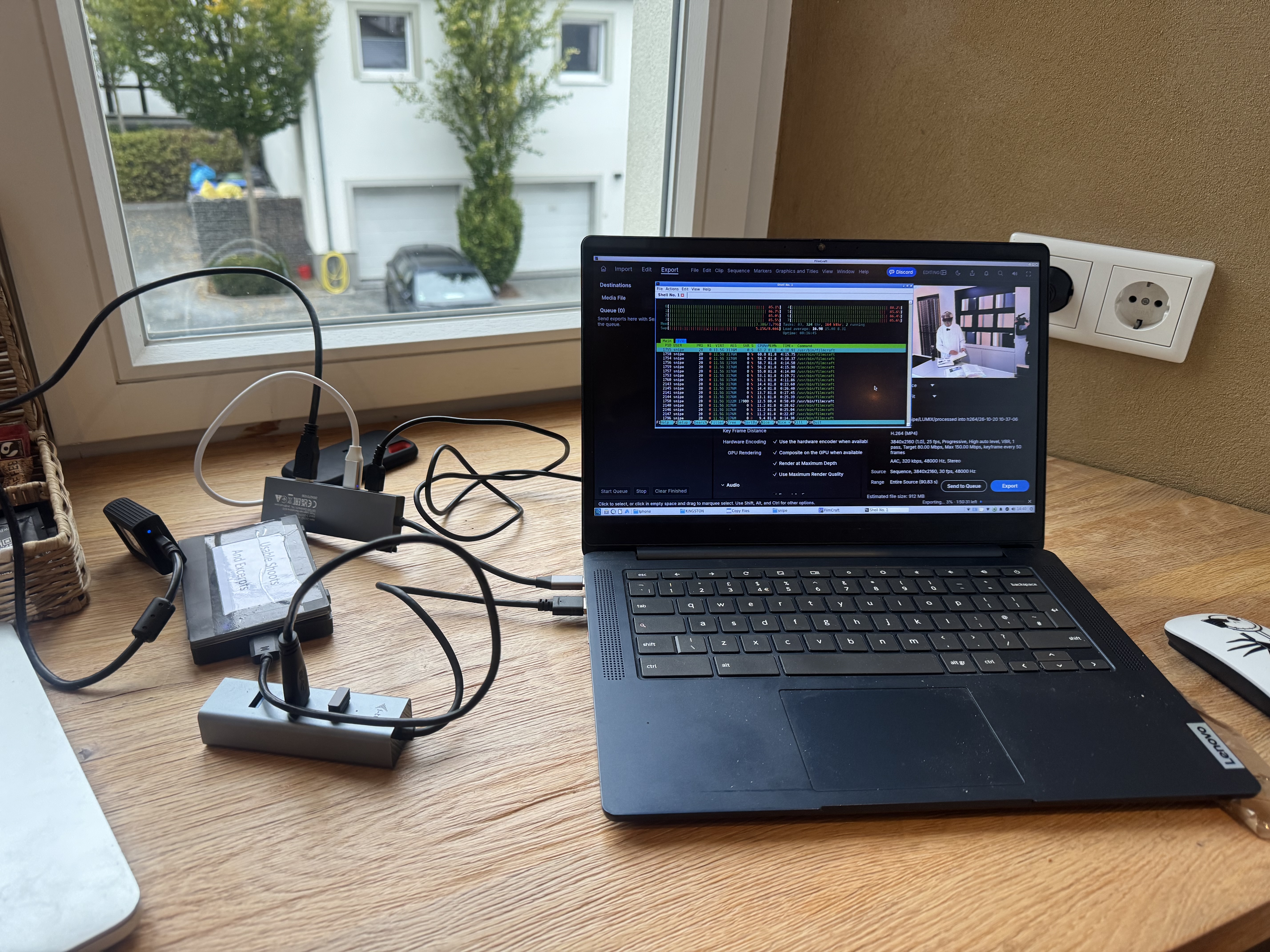
Screenshots and desk photos from the IdeaPad 3. Open the full gallery for every shot.